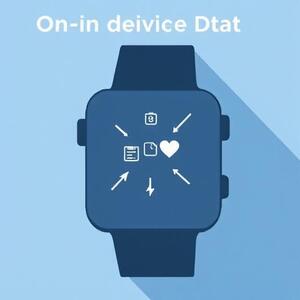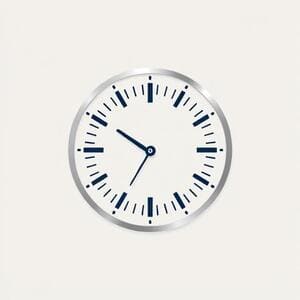
Battery, Steps, Heart Rate, Weather
Four essential signals, balanced on a grid that respects thumb coverage and quick glances. The goal is zero hunting: you look once, you get the answer.
Features & Engineering
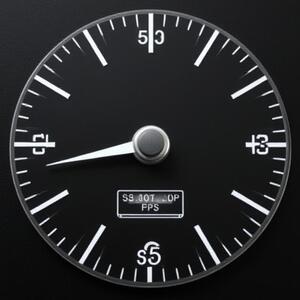
CELEST5320 brings cockpit-style clarity to everyday life in India. We tuned contrast for bright conditions, disciplined motion to respect your battery, and refined micro-typography for instinctive reading at a glance.
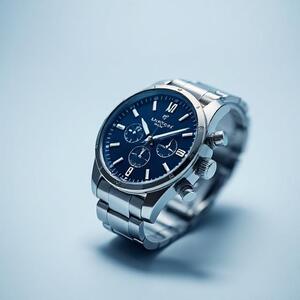
The dial is a working surface — not a collage. CELEST5320 organizes information by visual weight, proximity, and rhythm. Every element earns its place.
Four essential signals, balanced on a grid that respects thumb coverage and quick glances. The goal is zero hunting: you look once, you get the answer.
Typeface size and stroke contrast create a clear hierarchy. Secondary data fades slightly so primary values pop — even in motion.
We keep edges crisp and spacing predictable to reduce eye strain. The composition remains stable in sunlight, indoors, and AOD.
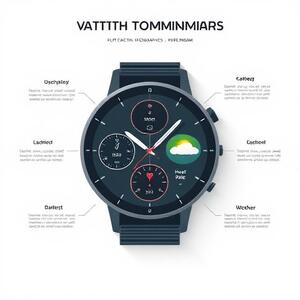
A light, modern system that meets technical constraints. We use a small set of deliberate decisions that scale across conditions without noise.
Manrope keeps numerals sharp and compact for quick scanning. We reserve heavier weights for instant cues and keep body text regular for comfort.
We favor contrast over saturation: bright accents highlight states, not surfaces. On OLED, less fill means less draw — and more life between charges.
“Idle motion discipline” means movement only when it communicates. If it doesn’t inform, it rests. The result is calmer visuals and better endurance.
Always-On Display keeps what matters and drops what doesn’t. Clear markers, disciplined contrast, and power-aware surfaces deliver glanceable essentials day and night.
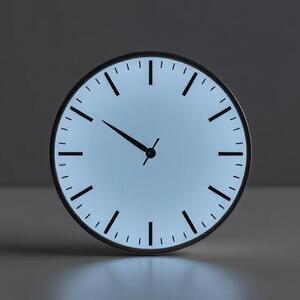
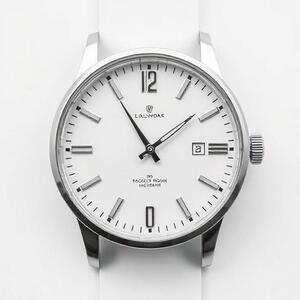
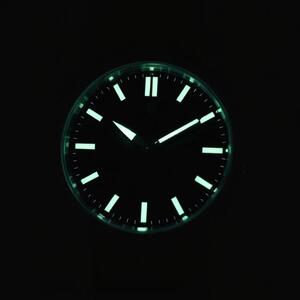

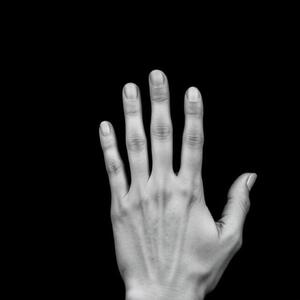

Design choices that respect battery life: fewer full-fill surfaces, sharper edges, restrained motion, and layouts that remain legible at low luminance.
We avoid large bright slabs. Negative space and crisp outlines keep perception high and power low, especially on AMOLED panels common across Wear OS.
Subtle easing supports feedback; idle loops are out. When movement doesn’t inform state, it rests — conserving both battery and attention.
Primary values pop; secondary metadata recedes. You read once and move on — less screen-on time, less drain, more flow.
The AOD profile preserves essentials only. Contrast remains, clutter doesn’t, so you get the gist with minimal draw.
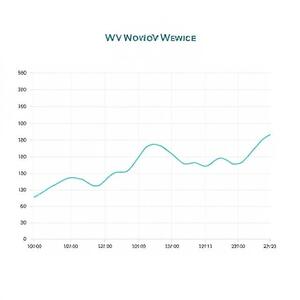
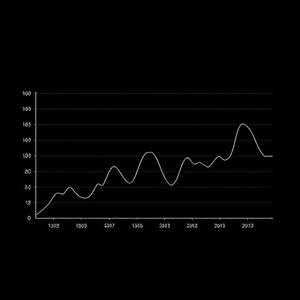

CELEST5320 is tuned for quick recognition across lighting and language contexts in India. We align typographic scale, spacing, and contrast with accessibility heuristics, so clarity holds at a glance.
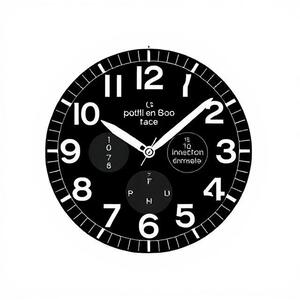
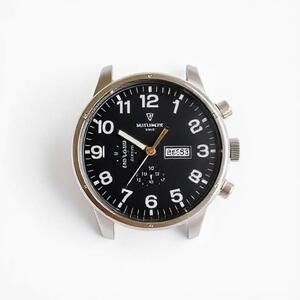
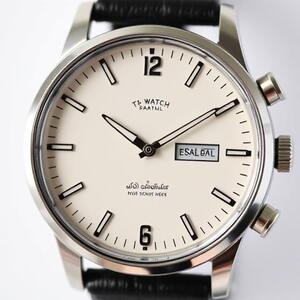
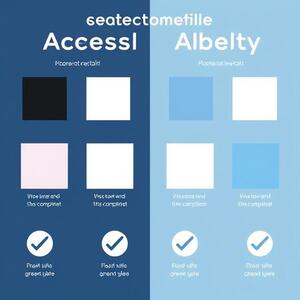
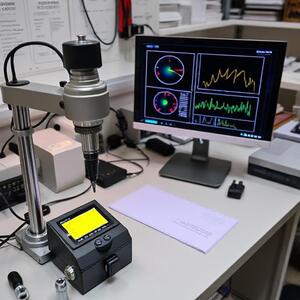
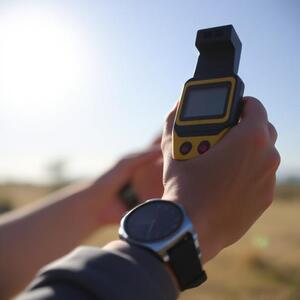
We validate CELEST5320 in the lab and outdoors across Indian cities. The focus is simple: legibility under sun, clarity at night, and battery-friendly behavior in daily use.
We ship in small, meaningful increments. Each update targets clarity, performance, or locale polish.
Initial aviator dial with pilot-grade indices, core complications (battery, steps, heart rate, weather), and sunlight-ready contrast.
Trimmed non-essential layers on AOD, improved edge clarity, and reduced power draw during idle.
Adjusted numeral spacing and label weights for EN-IN/HI-IN/TA-IN; improved rhythm and alignment at small sizes.
Further reduced filled areas, rebalanced accent usage, and tightened motion thresholds for better endurance.
CELEST5320 follows a “signal first” philosophy. Typography, spacing, and accents work together so you read once and move on. We guard battery life by design, not as an afterthought.
Answers to common questions, plus quick links to help. For anything else, reach us via the contact form on the home page.
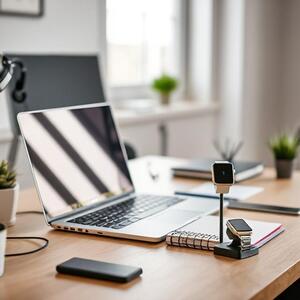

CELEST5320 is designed to be battery-wise. These practical tips help you go further between charges.
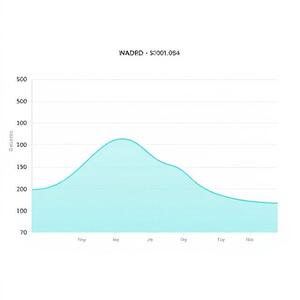
Keep only the essentials on AOD. Less fill and clearer edges reduce power draw without hurting legibility.
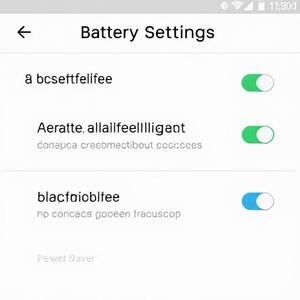
Use adaptive brightness, disable unused radios, and keep your watch on the latest stable build.
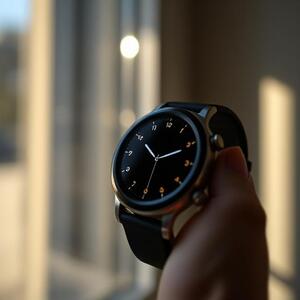
Let the sensor do the work. The dial remains readable at lower luminance levels that save energy.
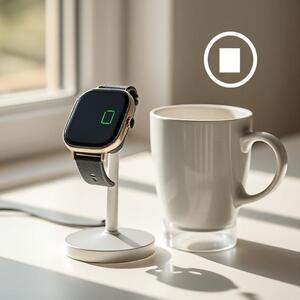
Small top-ups are fine. Avoid deep cycles when possible to preserve battery health over time.
CELEST5320 reads only the data required to render complications on your device. We do not transmit or store your personal data on remote servers.
For details, review our Privacy Policy and Terms of Service.